Home
User Guides
Developer Onboarding
Developer App Management
Account Information Service (AIS) flow
MTLS - Certificate Addition
Letter Of Guarantee flow
PIS - Payments flow
PIS - Refunds flow
PIS - Request To Pay flow
Core Bank - Reference Bank to simulate Core Banking
Consent Module
Admin Module for Bank administrator users
FAPI Conformance Test Suite
Testing Guides
Standards
Certifications
FAQs
Core Bank - Reference Bank to simulate Core Banking
- To access Core bank visit here
- This bank application simulates a real bank.
- You could register as bank customer, create accounts, add transactions, manage consents.
- This reference bank is used in association with the Bank's Developer Portal, which provides APIs to Account Information Service (AIS) & Payment Initiation Service (PIS) Providers.
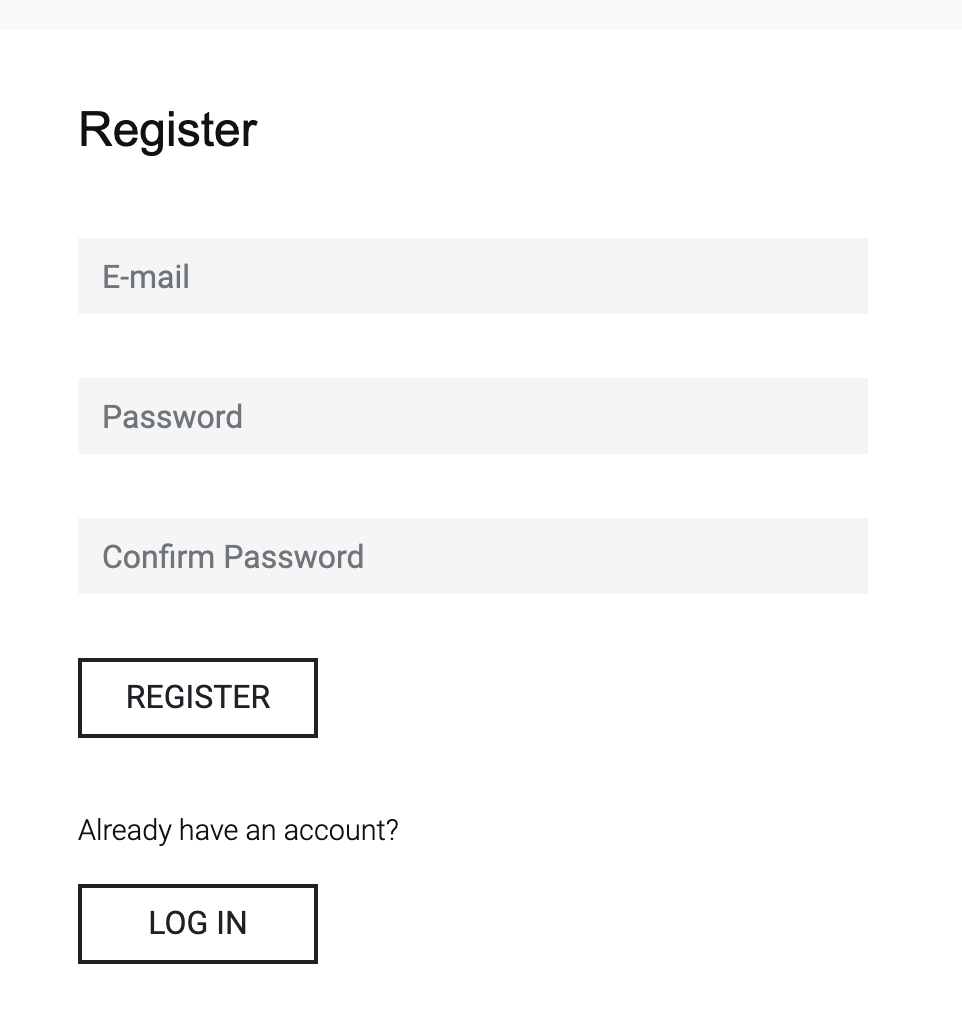
1. You will need to Register to the core bank.
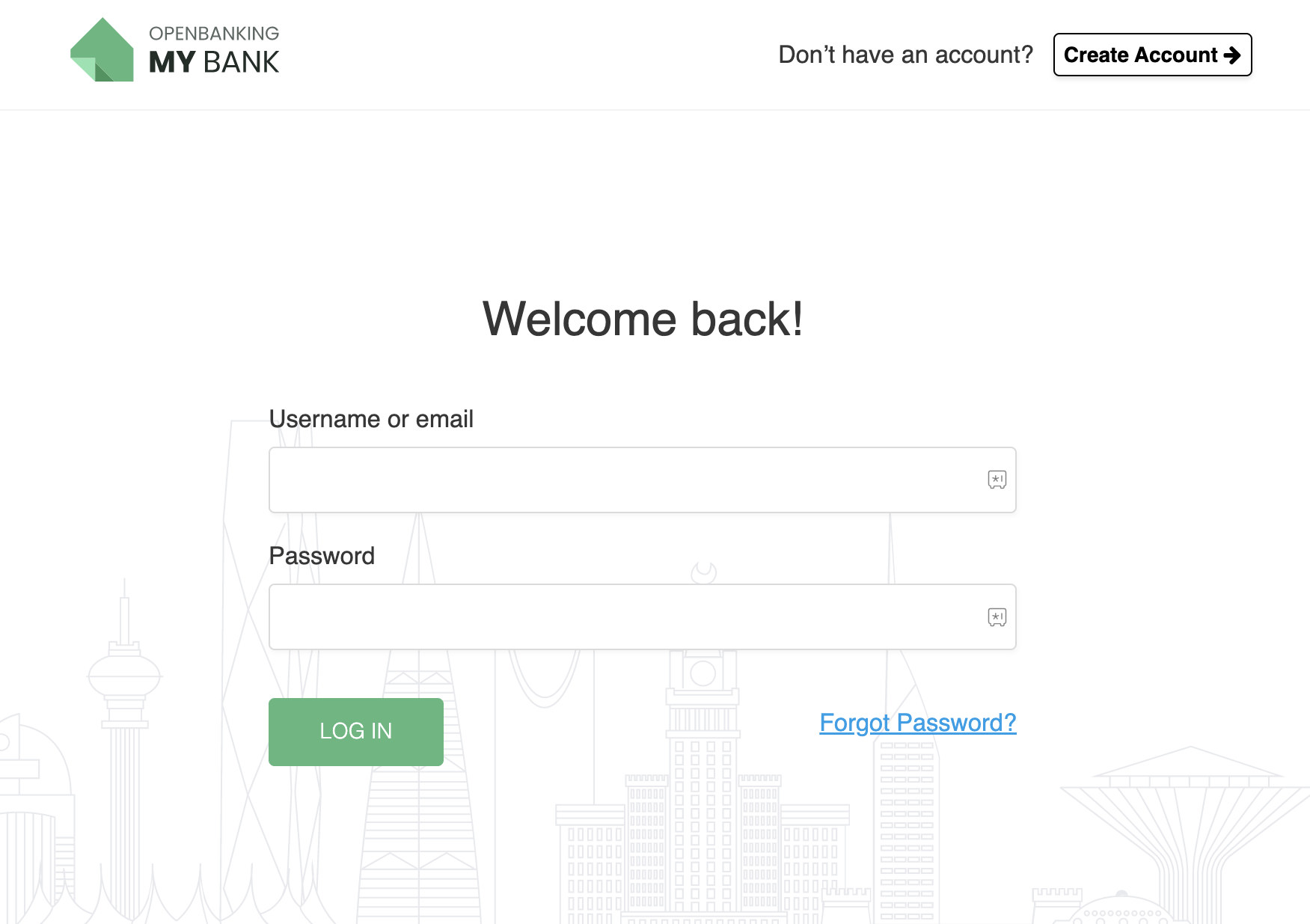
2. Then Login to the core bank.
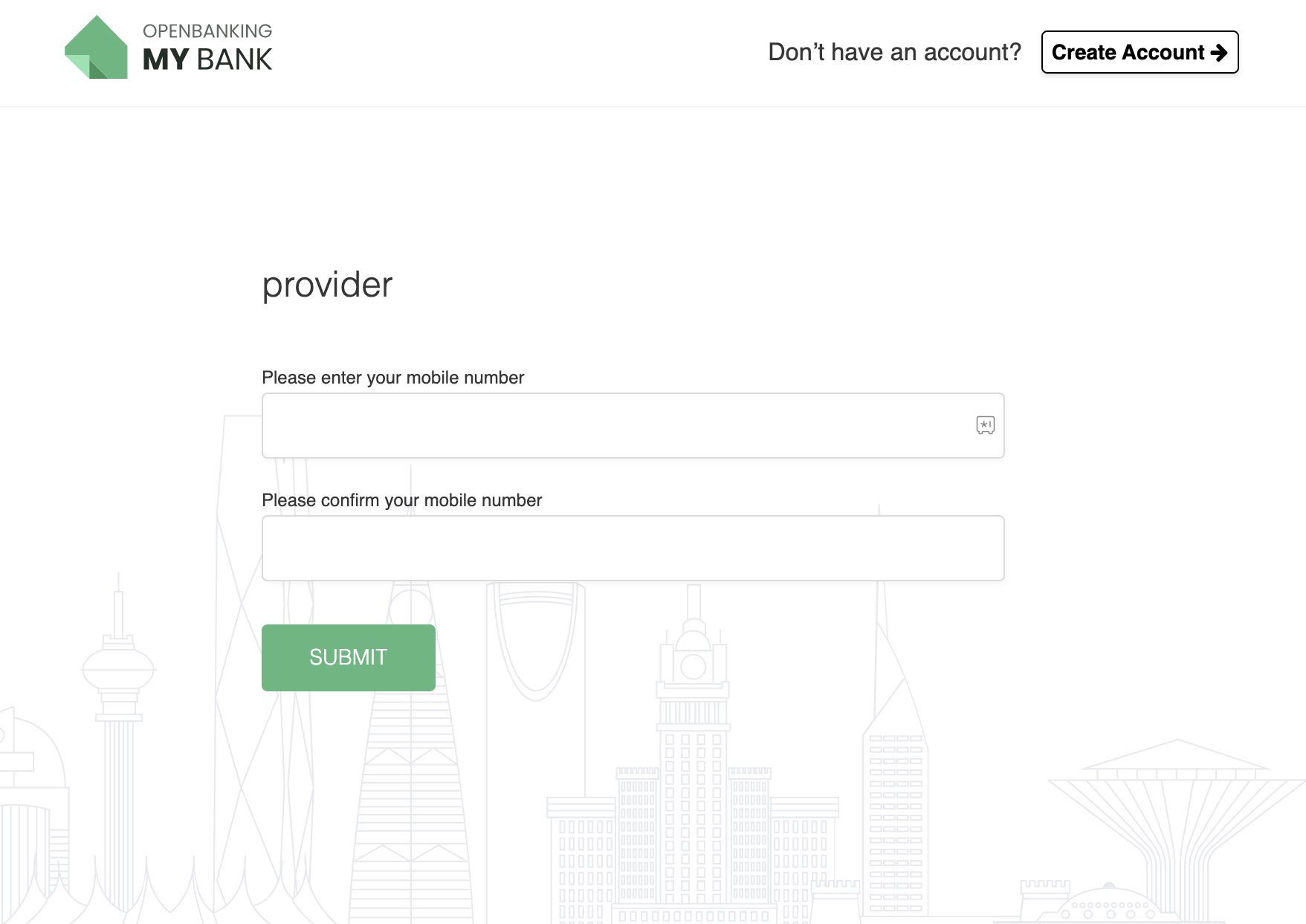
3. Register your mobile number.
- Note: This is required only the first time you login.
- Note: Mobile number needs to be in the format `+{2 digit country code}{mobile number}` (e.g +919988776655)
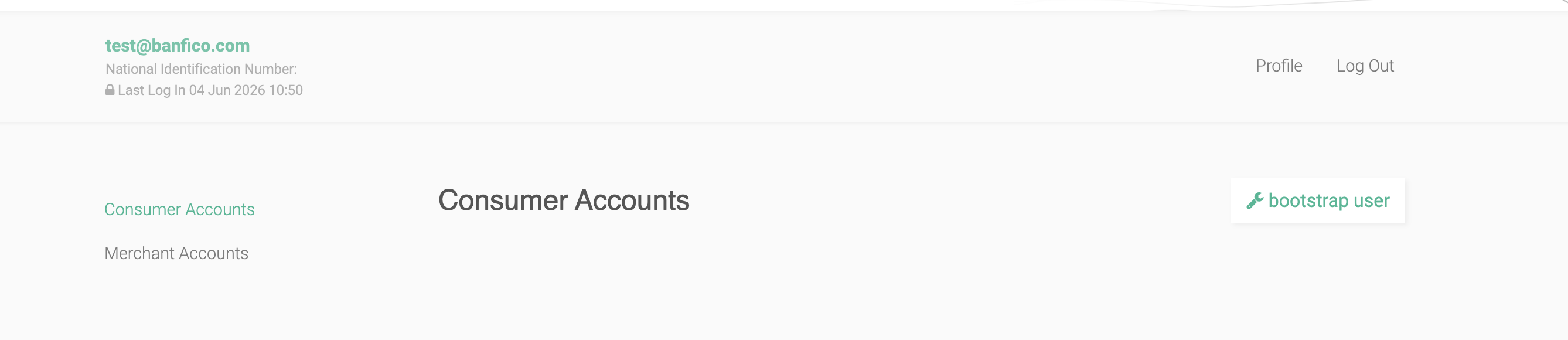
4. Once logged in, you can quickly bootstrap new accounts by clicking the `bootstrap user` button.
5. Your list of accounts will be displayed below. You can use these accounts to test the developer portal.
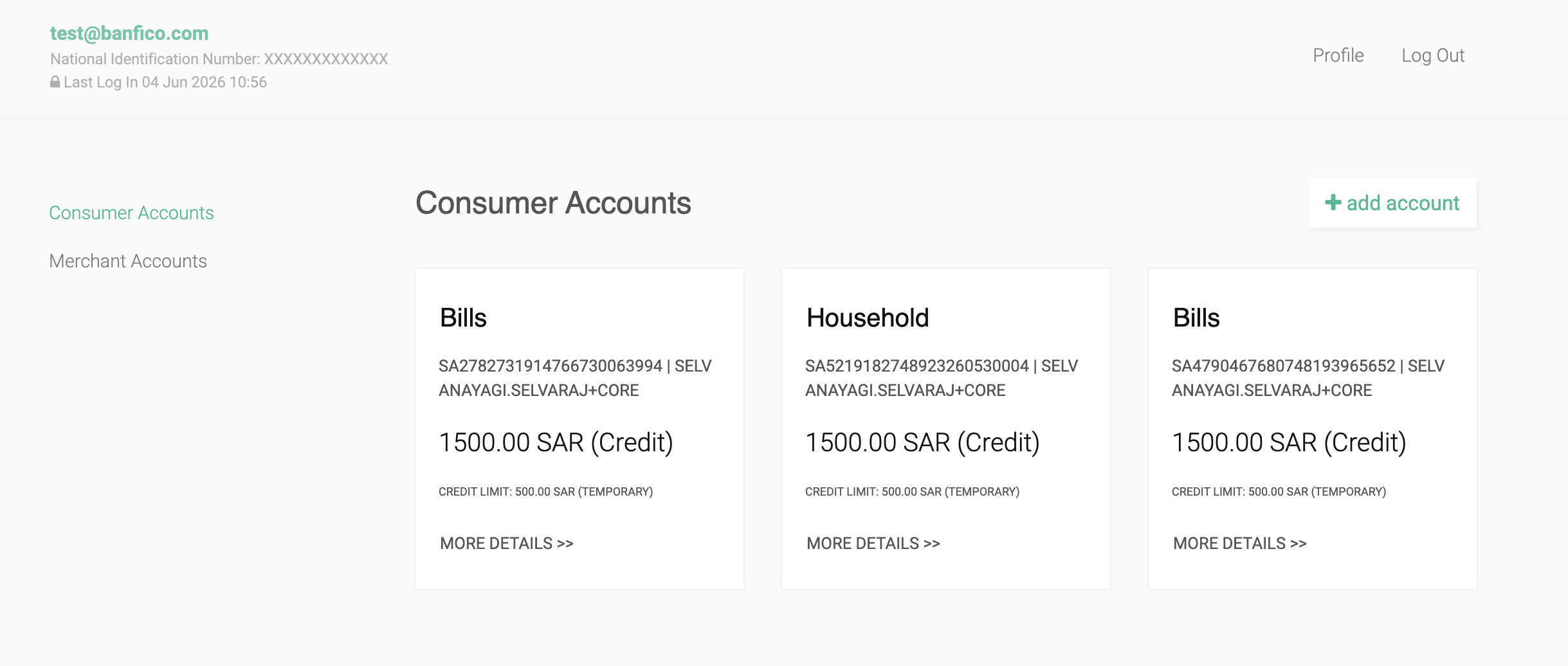
Note: National Identification Number is generated dynamically and is present in the portal. This information is needed for consent creaation.
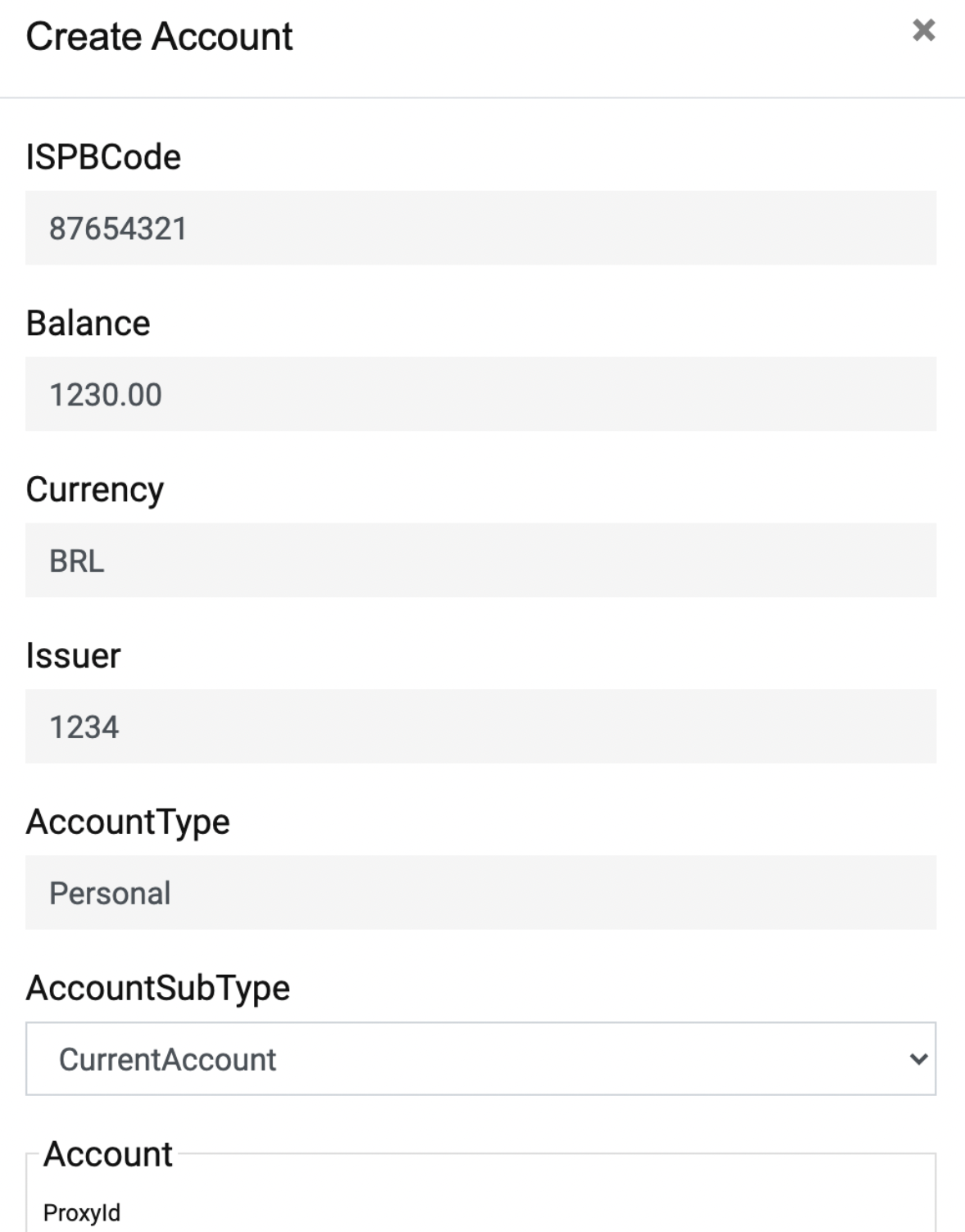
6. You can also create new accounts or modify existing accounts.
7. You can also check the statement of account by clicking on a particular Account.
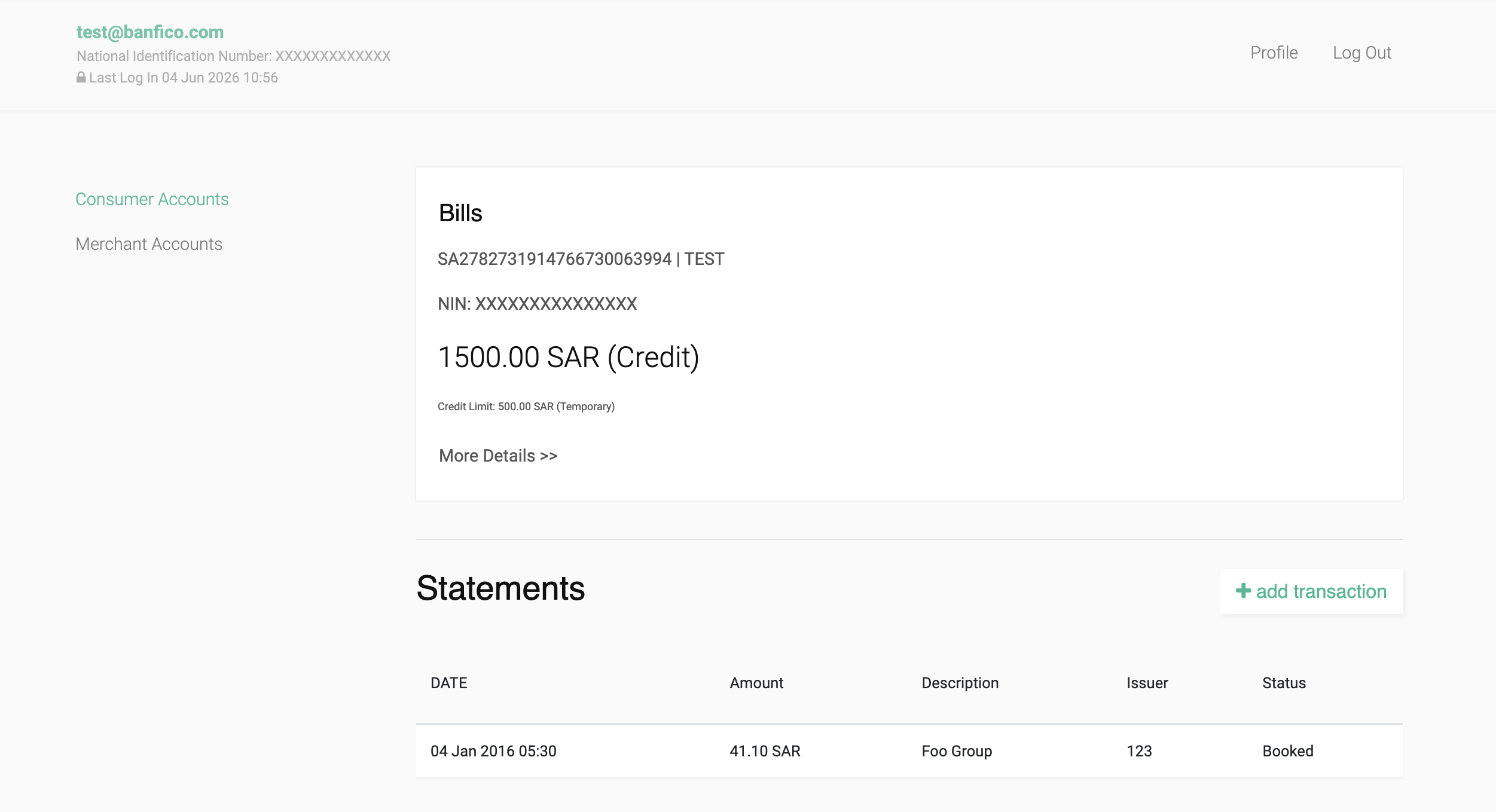
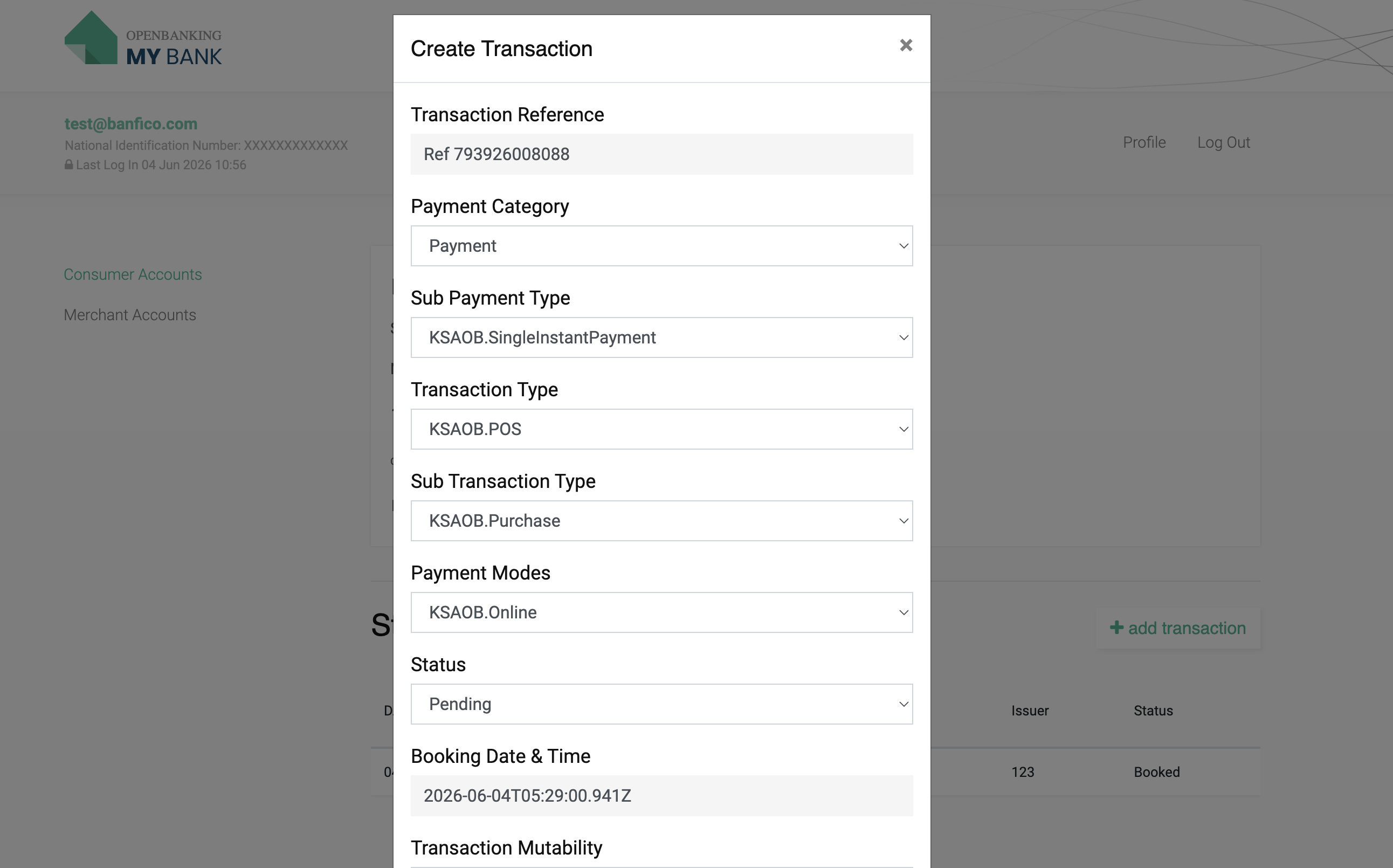
8. You can also add transactions to your core bank accounts by clicking `Add Transaction` button.