Home
User Guides
Developer Onboarding
Developer App Management
Account Information Service (AIS) flow
MTLS - Certificate Addition
Letter Of Guarantee flow
PIS - Payments flow
PIS - Refunds flow
PIS - Request To Pay flow
Core Bank - Reference Bank to simulate Core Banking
Consent Module
Admin Module for Bank administrator users
FAPI Conformance Test Suite
Testing Guides
Standards
Certifications
FAQs
Consent Module
This application allows the customer to manage their consent. It also provides an audit trail of their consent status. Access to this application is subject to Strong Customer Authentication.
To access Consent Module visit here
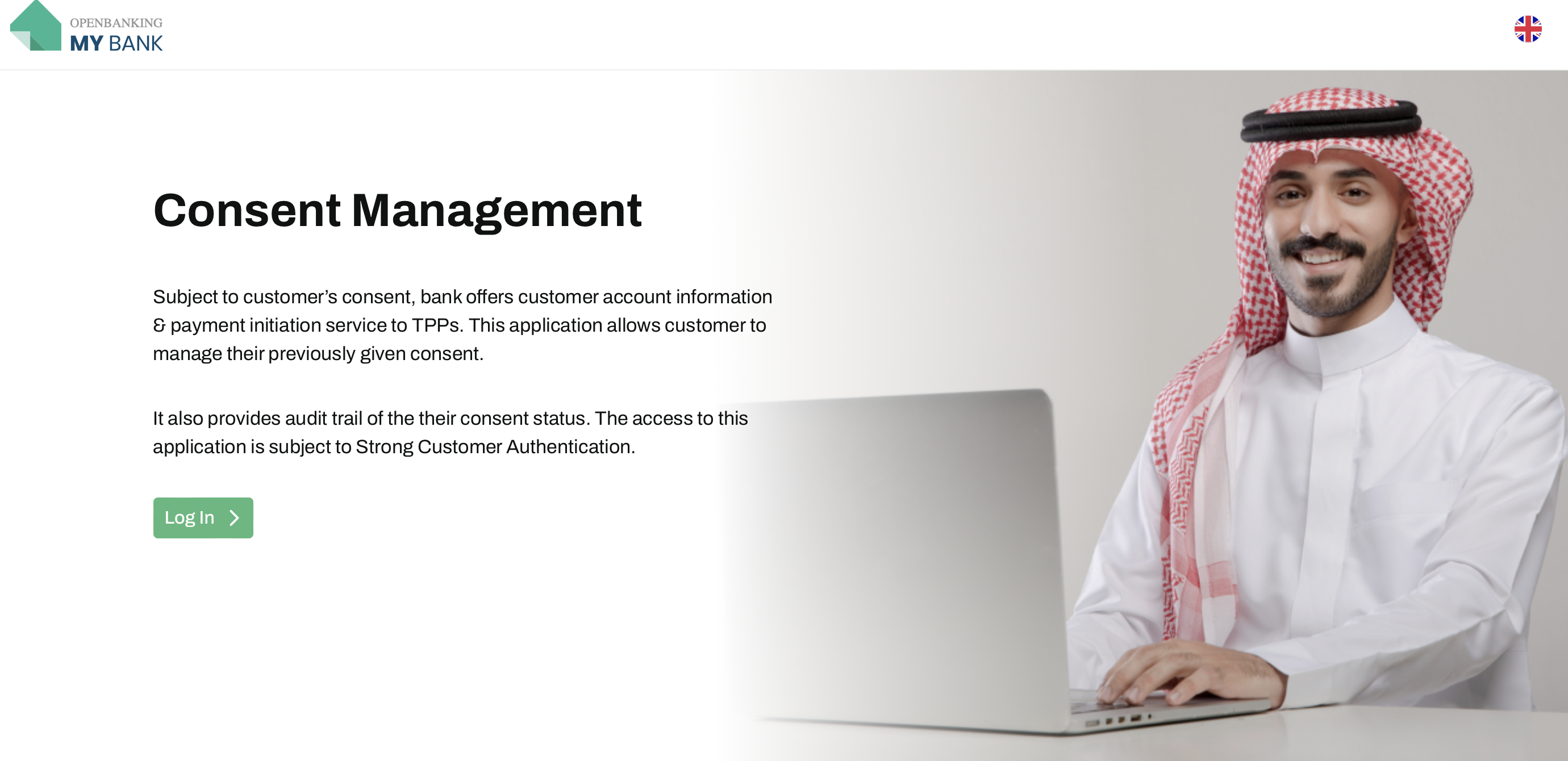
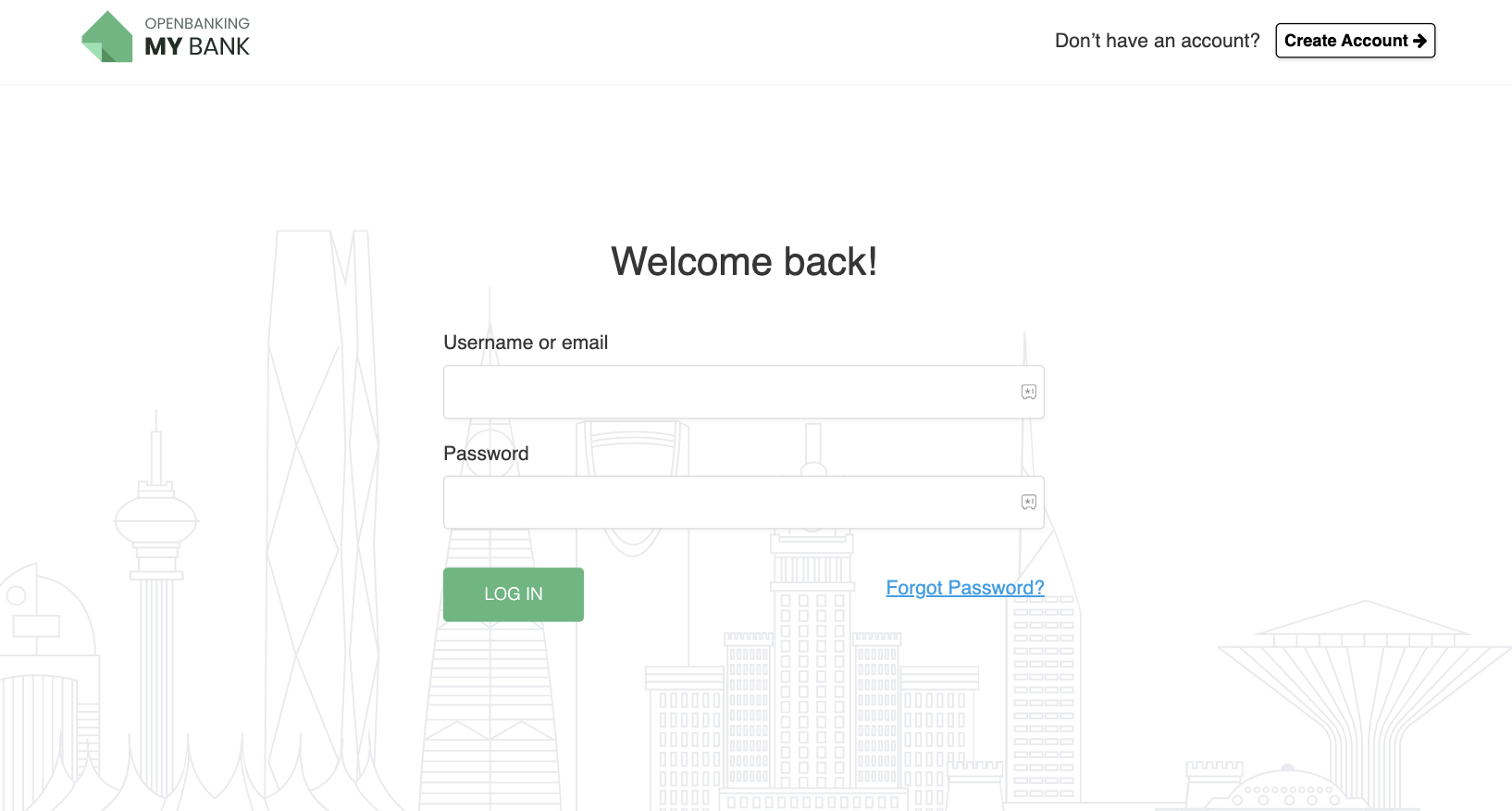
1. To login and manage the consents you can you use the credentials of the core bank (Reference bank) provided by us.
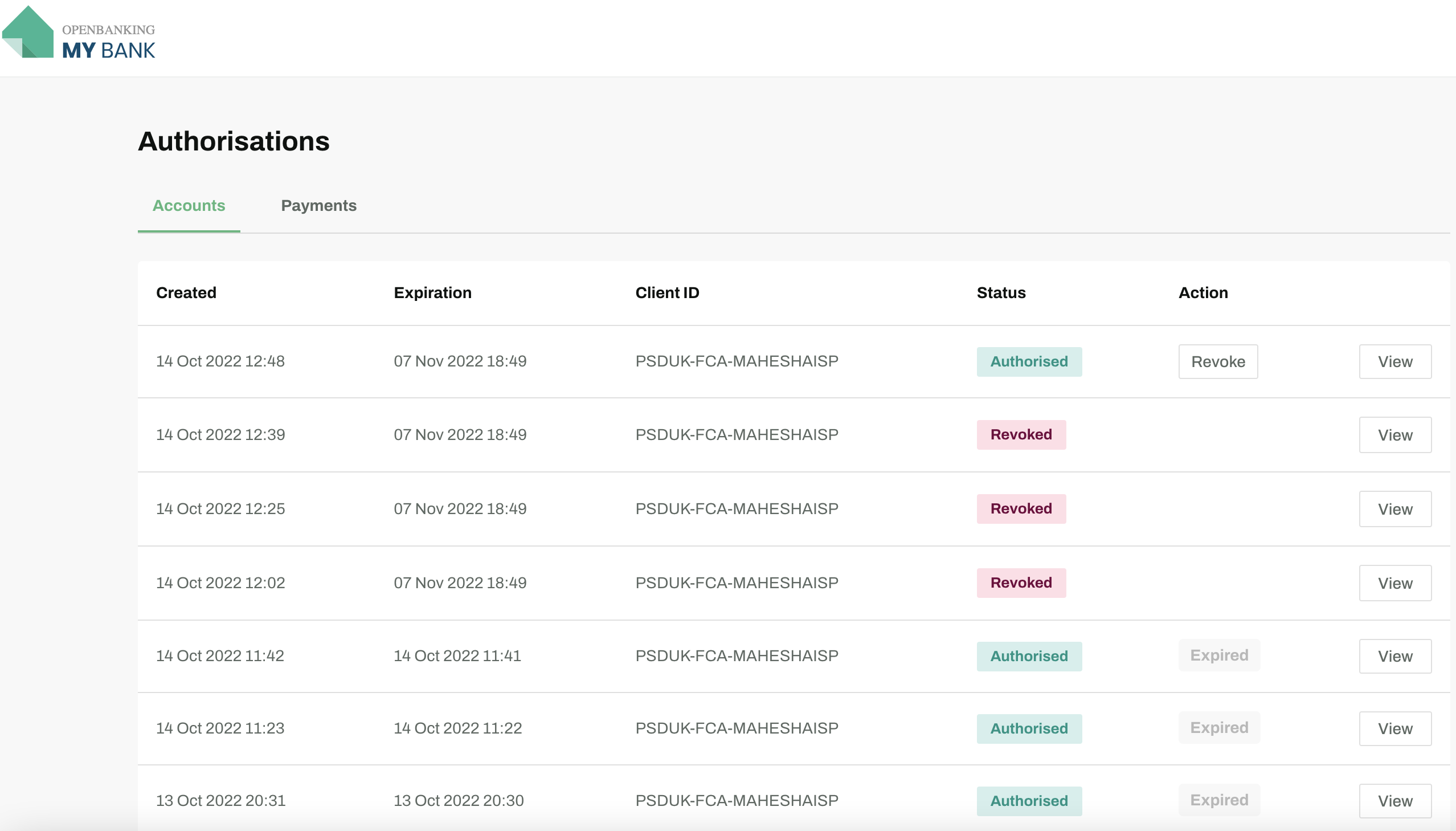
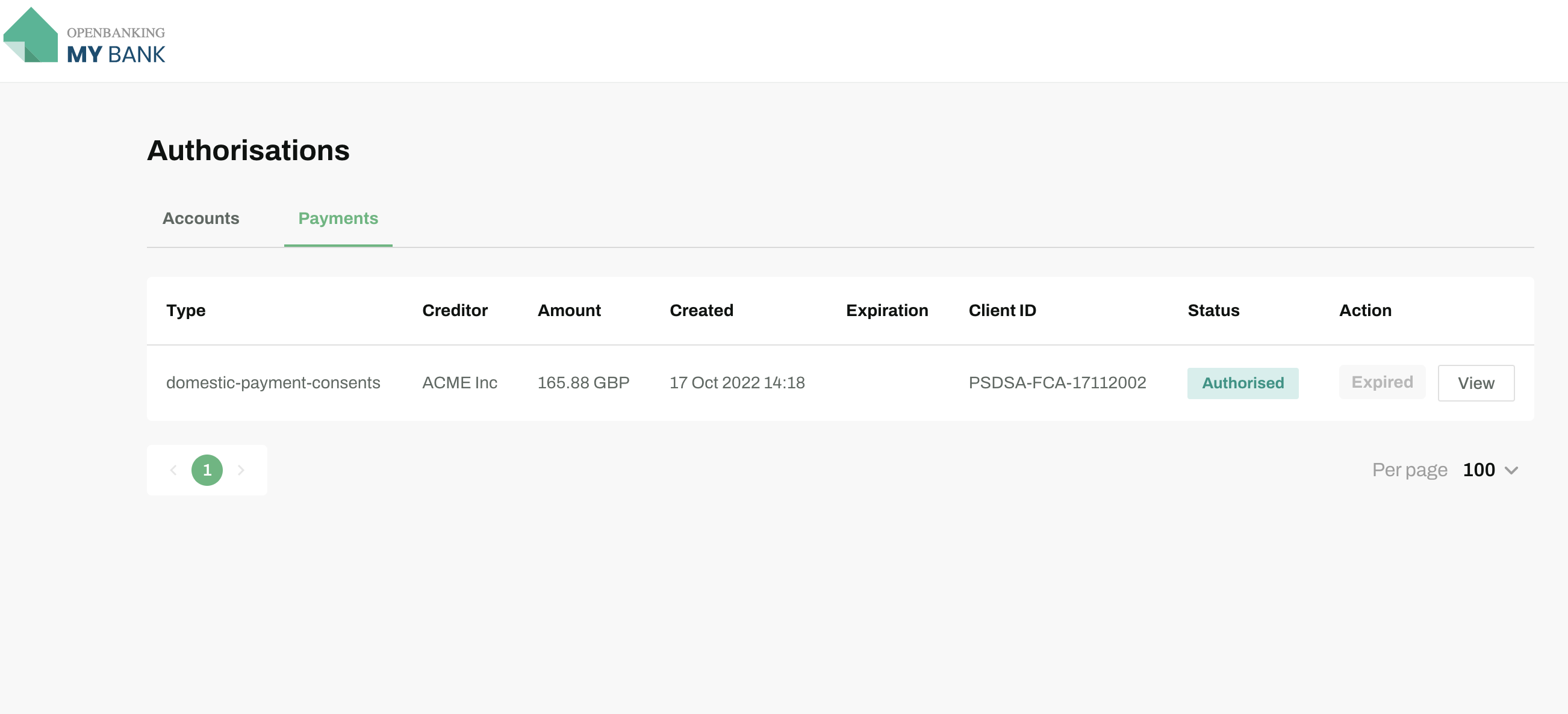
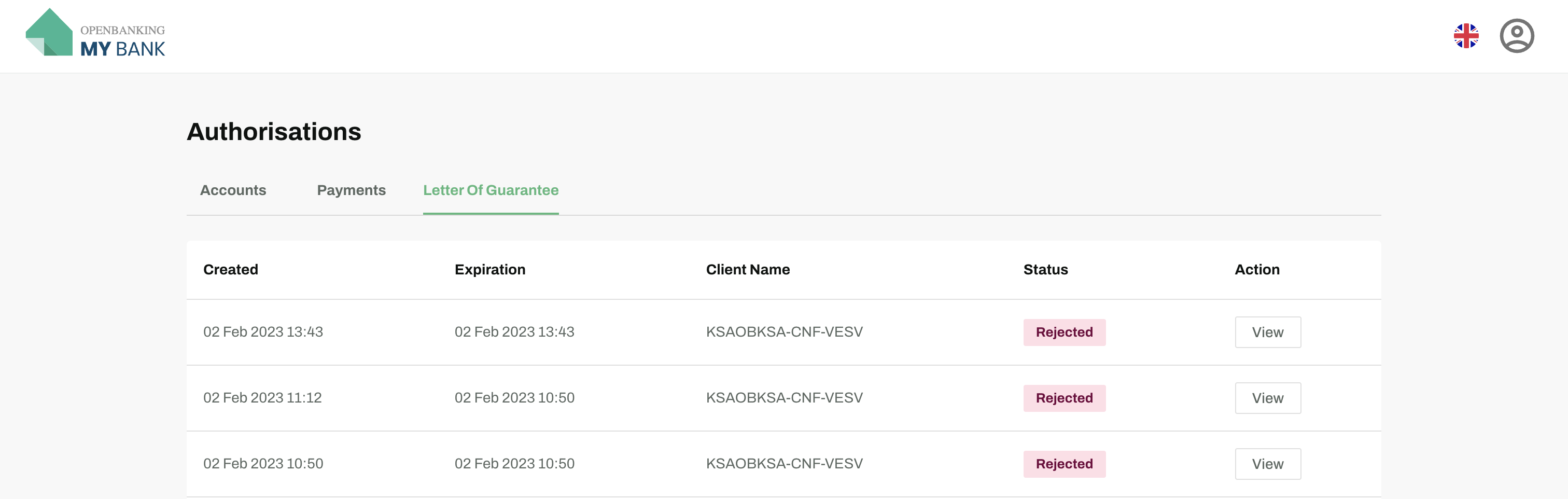
2. Once logged-in you can see the list of consents provided by you.
3. You can revoke an Account consent before it expires by clicking on the `Revoke` button.
3. You can revoke an Account consent before it expires by clicking on the `Revoke` button.
● Accounts Consents List
● Payments Consents List
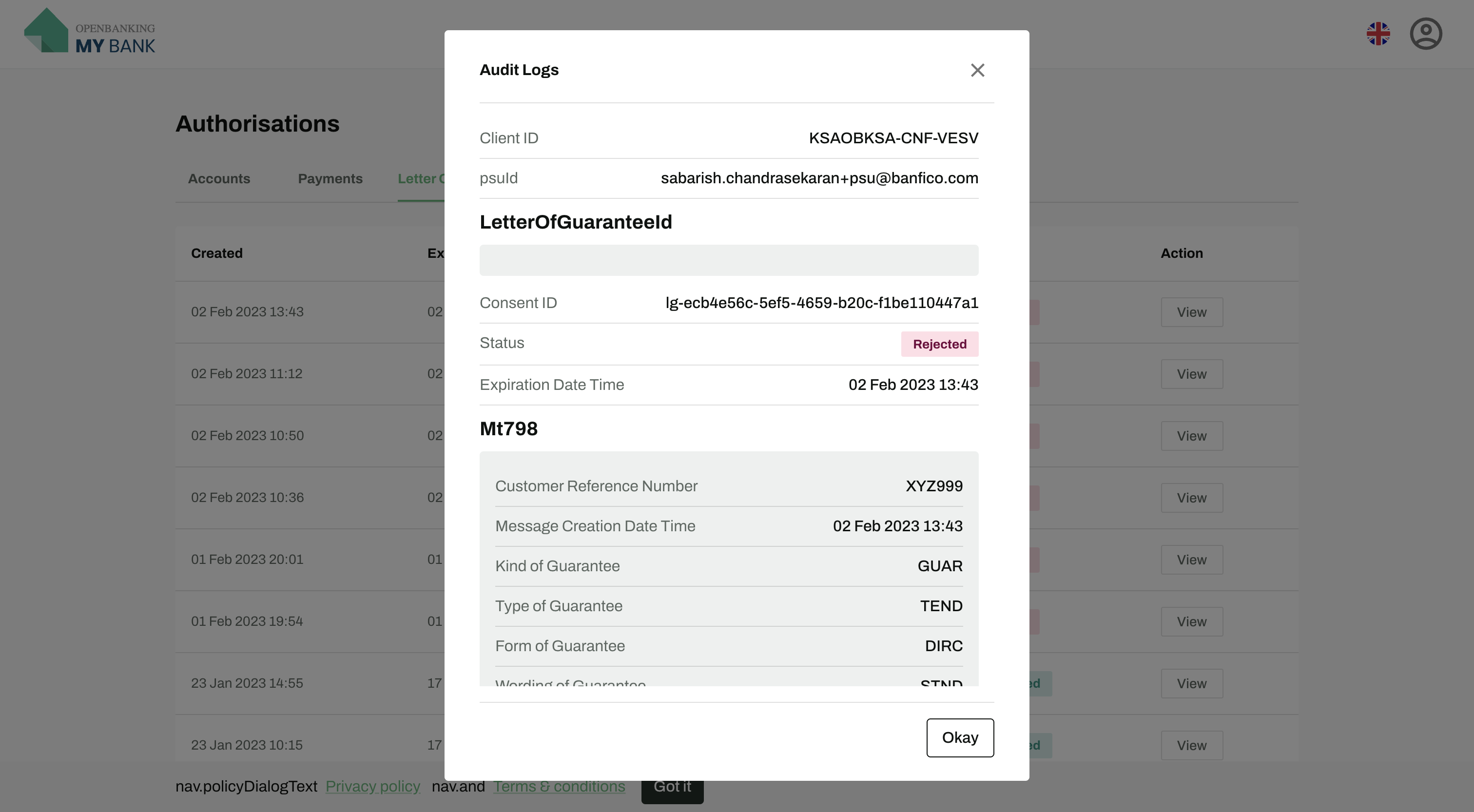
● Letter Of Guarantee Consents List
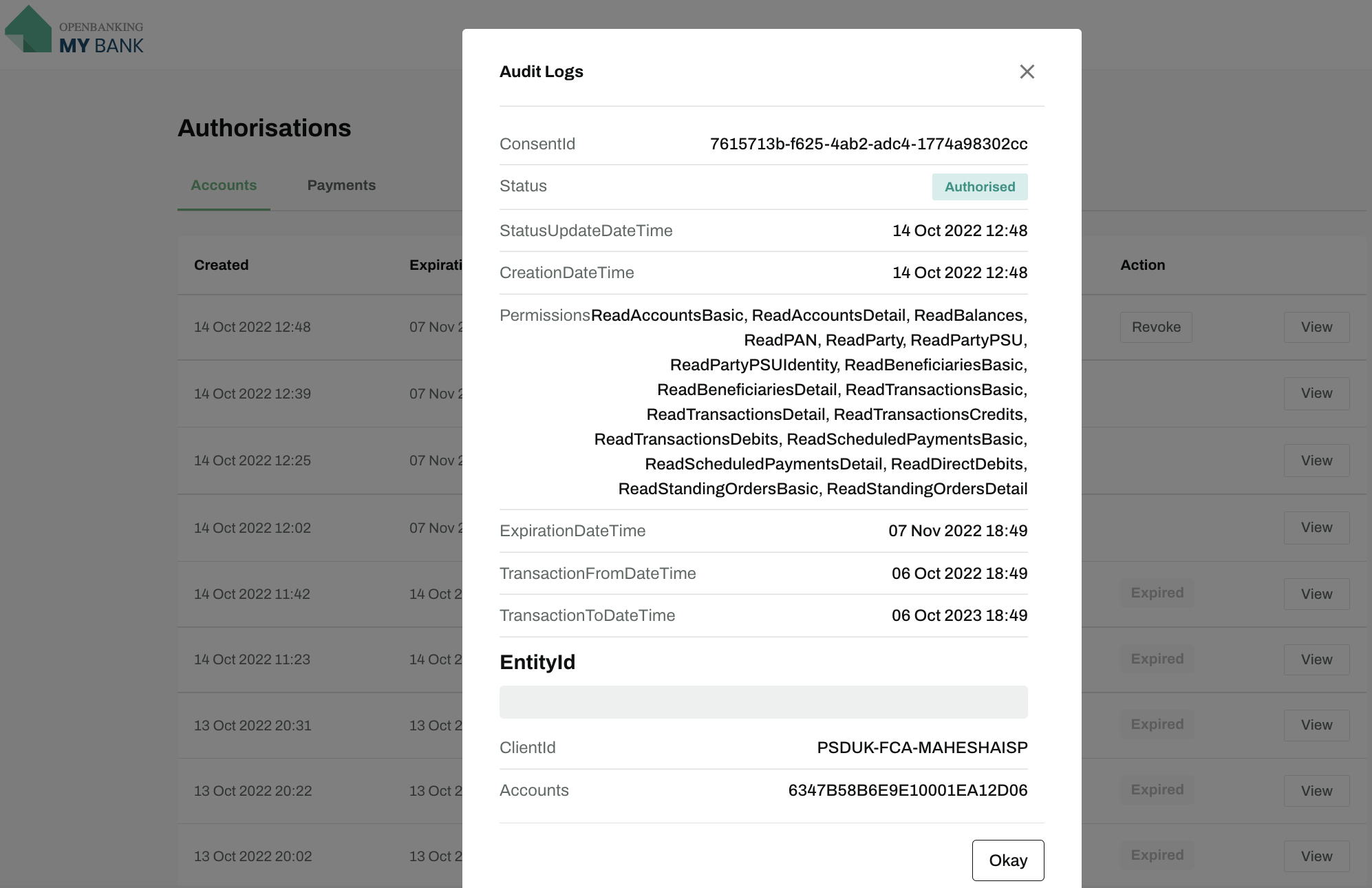
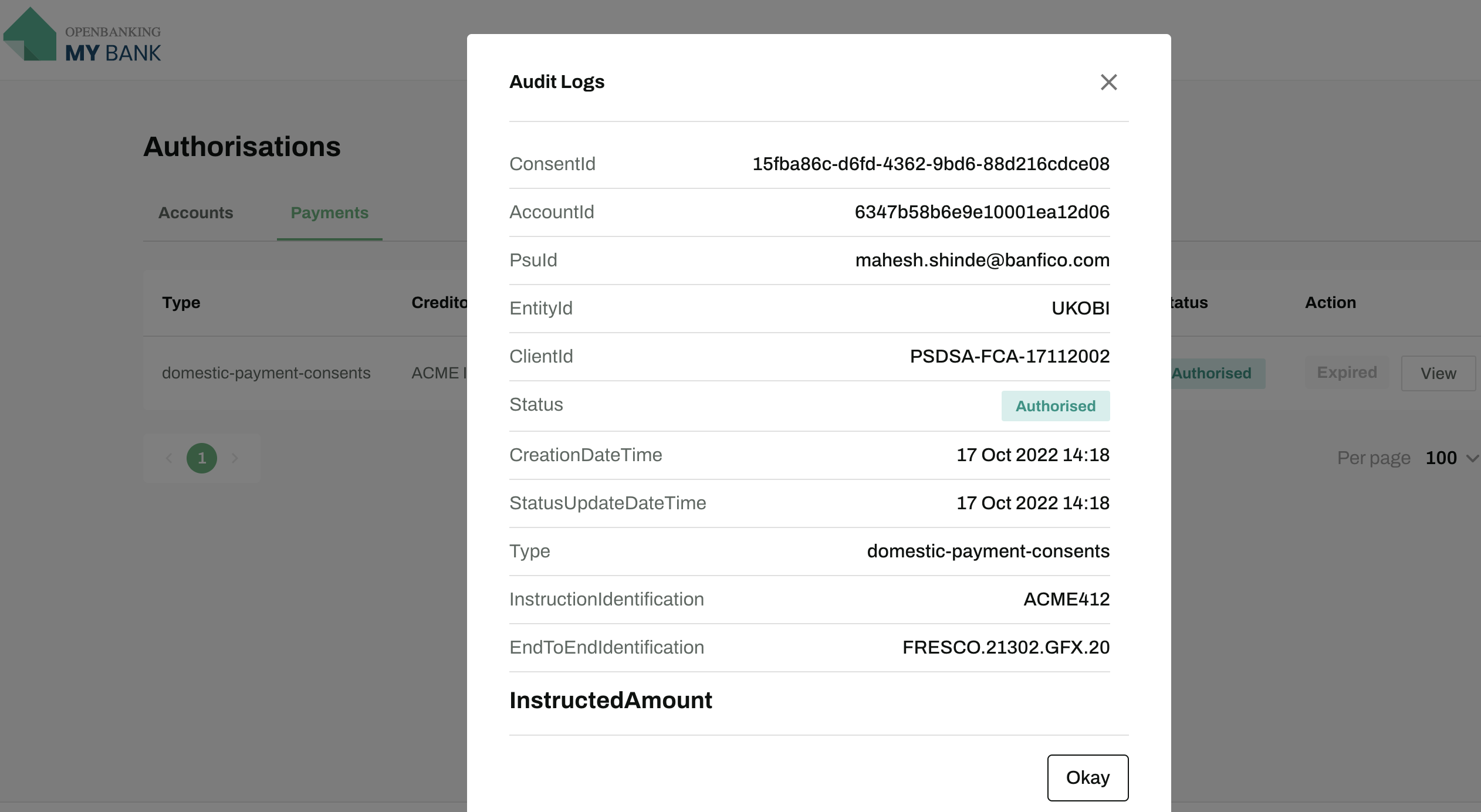
4. You can view the details of the consent by clicking on the specific row from the consents list.
● Accounts Consents Details
● Payments Consents Details
● Letter Of Guarantee Consents Details